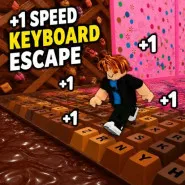
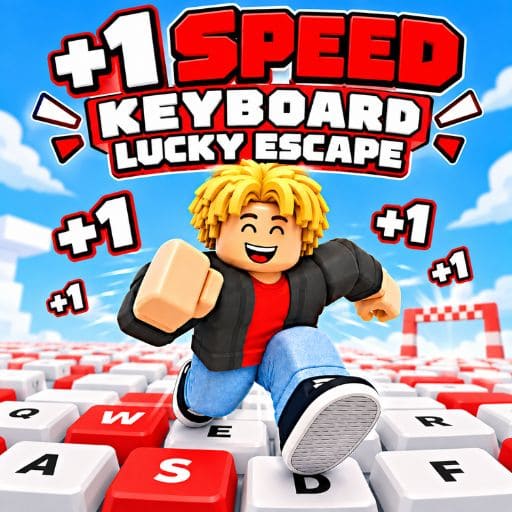
Get ready to place Lucky Blocks on a gigantic keyboard, meet strange Brainrot creatures, and run for your life before a merciless pursuer grabs you. Explore in 3D, gather items, create bases, and escape from high-risk situations in the +1 Speed Keyboard Lucky Escape game. The game is for those who know when to push and when to go home.
+1 Speed Keyboard Lucky Escape is a 3D collecting and escape game where players shoot out Lucky Blocks on a huge keyboard to find Brainrots of various rarity classes. You need to gather precious characters, escape back to the Safe Zone, and spend the money they create to upgrade your base and gear. The further you launch, the greater your potential benefits. But in higher-class regions, Tung Tung Sahur gets quicker, making each return journey riskier. This generates a gaming cycle of risk, speed improvements, and smart choices, rather than grabbing everything you can see.
You start your trip by setting up a simple launch. Upgrade your bazooka in the Range Market to send Lucky Blocks farther across the keyboard and unlock rarer Brainrot classes. When you get a character, you need to get it to your Safe Zone for its cash-producing potential.
93 Brainrots to gather in the game, giving you a long-term aim after your initial successful escape. All of them are reasons to go farther, including Legendary, Mythic, Brainrot God, and Secret classes. But the strange 67 Class brings a particular obstacle: a huge 67 instead of the typical pursuer.
There are a few exceptional events that provide extra opportunity to advance:
The +1 Speed Keyboard Lucky Escape now features local two-player gaming on PC to enjoy the collecting and escape challenge on the same machine. Mobile play is single-player with a virtual joystick and on-screen action buttons in landscape style.
Player 1
Player 2
+1 Speed Keyboard Lucky Escape is a progression-based adventure game that mixes Lucky Block launching, rare Brainrot collection, income-generating bases, and progressively perilous chases. Each run will demand you balance ambition with preparedness, so speed and launch enhancements are as crucial as the personalities you find. Click Play Now and try to get rare Brainrots and get back to the Safe Zone before Tung Tung Sahur captures you!
More fun games: